
The WinWin app in depth
The main page covers installation. This one goes further: performance, data consumption, running the account on more than one device, and removing the app cleanly.
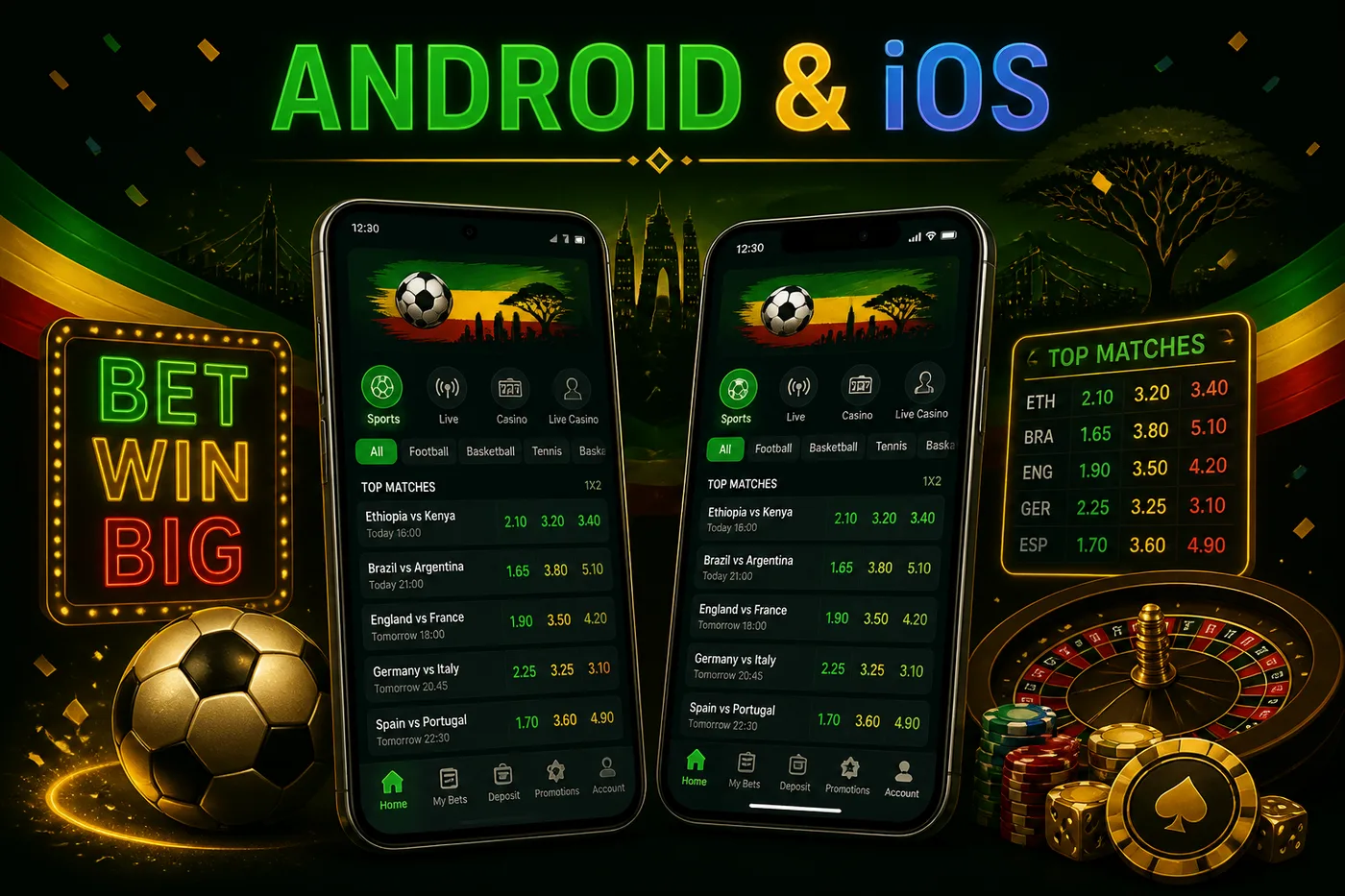
Android install in detail
The package installs like any other Android application once unknown sources are permitted. The permission is granted per browser, not globally, which is why enabling it once does not open the device to anything else.
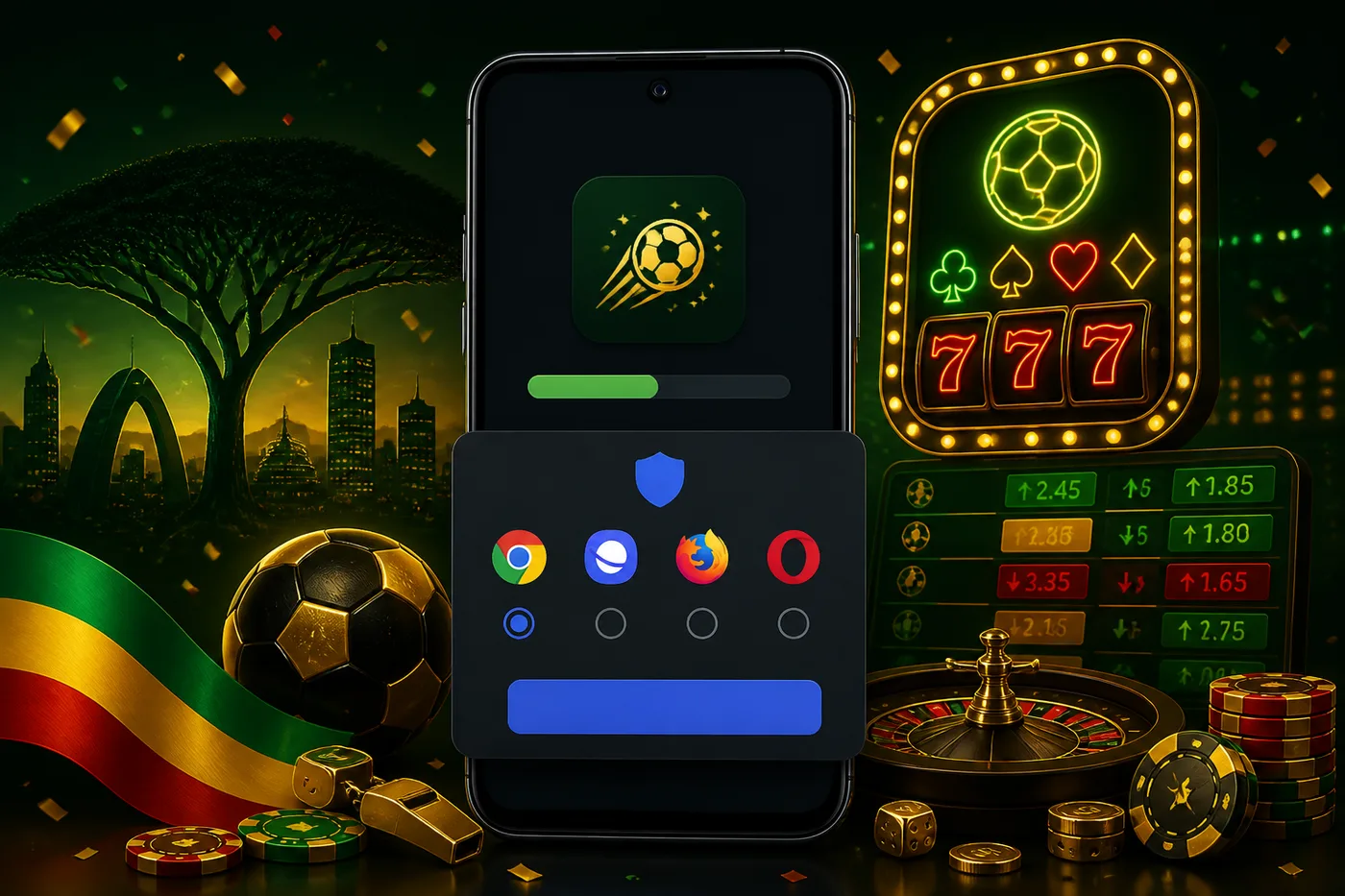
After installation the permission can be revoked without affecting the installed app. That is a reasonable habit: allow it for the install, then turn it back off.
iPhone install in detail
The web app is created from Safari's share menu and lives on the home screen like any other icon. It keeps its own session, so signing in once persists between launches.
Because it is a wrapper around the live site, there is no version to fall behind and nothing to reinstall after an update. The trade-off remains the absence of push notifications.
Performance and data use
Ordinary betting - reading odds, placing a slip, checking a balance - is light on data. Two things are not.
| Activity | Data use | Note |
|---|---|---|
| Browsing odds | Light | Text and small images |
| Placing bets | Light | Negligible |
| Casino slots | Moderate | Graphics load once per game |
| Live dealer tables online | Heavy | Continuous video |
| Live sports streaming | Heavy | Continuous video |
On a metered bundle the live sections are what to watch. They are also the sections that degrade first when the connection weakens - the games themselves are described on the games page.
Two devices, one account
The account is tied to credentials, not hardware, so the same login works on a phone, a tablet and a desktop browser. Balances and bet history stay in sync because everything lives on the server.
One rule from the operator's terms applies here: one account per person, family or IP address. Using one account across your own devices is fine; creating a second account is not.
Removing the app cleanly
Uninstalling the Android package or deleting the iPhone icon removes the app and nothing else. The account, the balance and any open bets are unaffected - they live on the operator's server.
If your intention is to stop playing rather than to free space, deleting the app is not the tool for that - the account's self-exclusion setting is. Funding and payouts from the app are covered on the payments page.
Both installation routes and everything they reach are covered on the main page.
Questions players often ask
Yes. The account belongs to your credentials rather than to a device.
Video is by far the heaviest part. Ordinary betting is light; live dealer tables and live sports streams are what consume a bundle.
Uninstall it like any other app. Removing it does not close or affect the account itself.