
The cashier on a phone
The cashier is fully functional on both mobile routes, and one part of it is actually easier on a phone than on a desktop: identity verification, because the camera is already there.
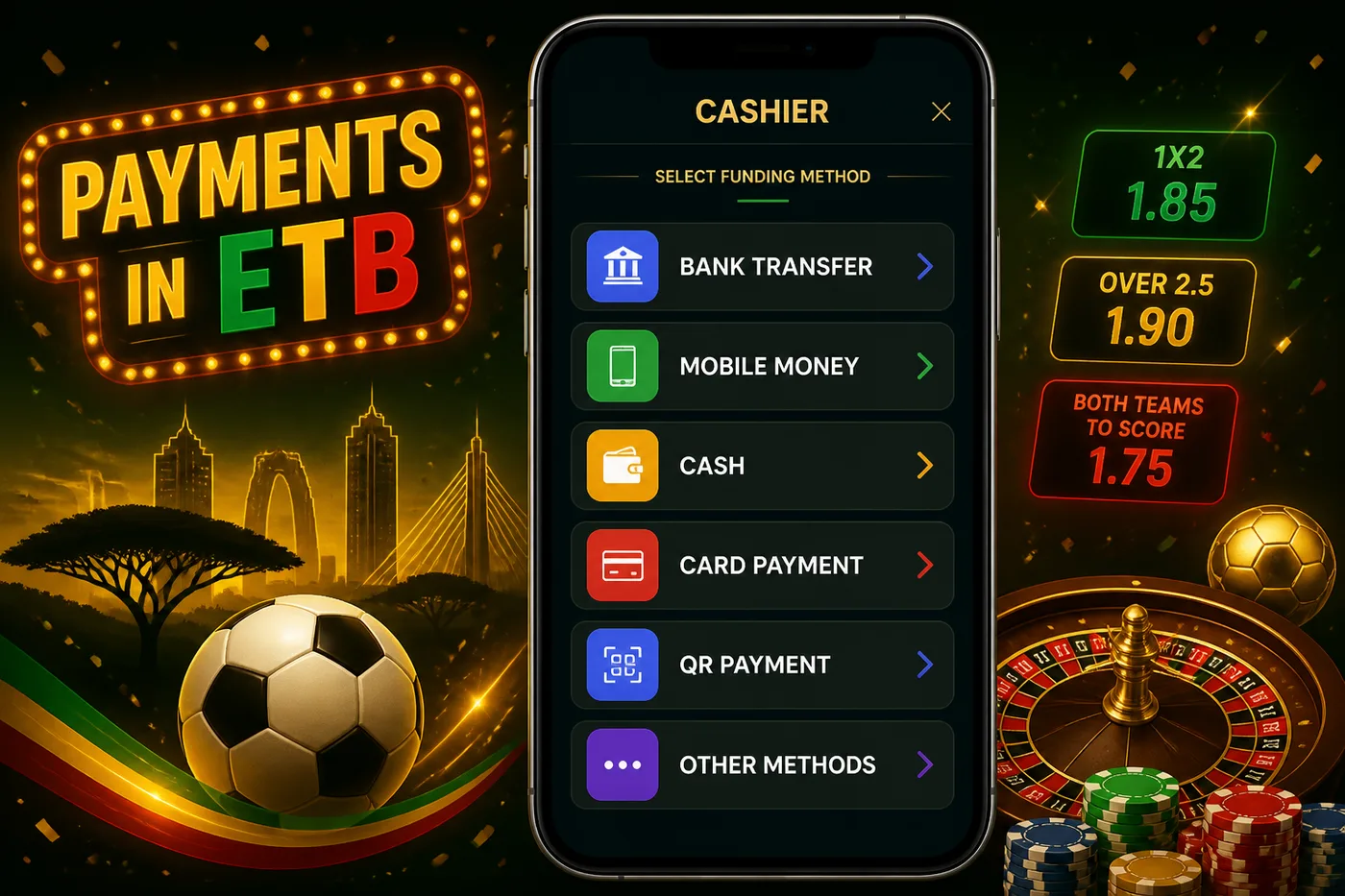
The cashier inside the app
Every method available on desktop is available on mobile, with identical minimums and identical processing windows. Nothing about funding is reduced on a phone.
Payment routes and timings
Minimums sit near 50 ETB in and 100 ETB out, varying by method. Because platforms commonly return funds along the deposit route, the method chosen at the deposit usually fixes the withdrawal speed.
| Method | Deposit | Withdrawal |
|---|---|---|
| Skrill / Neteller | Instant | about 15 minutes |
| USDT | Instant | about 15 minutes |
| Perfect Money | Instant | about 15 minutes |
| Bitcoin / Ethereum / Litecoin | Instant | about 1 hour |
| Visa / MasterCard | Instant | 1 to 3 days |
Verifying from a phone
Identity verification is normally requested at the first withdrawal, and it is the most common reason a payout is delayed.
On a phone it is also the easiest step to complete, because the camera is already in your hand. Three things make a photo acceptable first time.
- All four corners of the document visible in the frame
- No glare across the text - move away from direct light
- Sharp focus - every character legible at full size
A rejected photo restarts the wait, so ten extra seconds on the shot is worth it. An active offer can also hold a payout - see the bonus page.
Sending crypto from mobile
Four routes are supported: Bitcoin, Ethereum, Litecoin and USDT. The mobile-specific risk is not the platform - it is address entry.
- Use copy and paste or a QR code. Never type an address by hand.
- Check the network as well as the address. The right address on the wrong network is lost permanently.
- Verify the first and last characters after pasting - clipboard-hijacking malware exists specifically for this.
A crypto error cannot be reversed by anyone, including the operator. That makes it the one payment mistake worth being slow about. Installing the app itself is covered on the app page.
Both installation routes and everything they reach are covered on the main page.
Questions players often ask
Yes. Verification accepts a photo taken with the phone camera, which is usually the fastest route.
No. The same minimums and the same processing windows apply on every route.
The risk is not the phone - it is mistyping an address. Use copy and paste or a QR code, never manual entry.